
Accessibility Compliance for Online Stores
If a customer can't complete checkout with a keyboard, you don't have an accessibility problem in the abstract - you have a checkout that doesn't work for a share of the people trying to pay you. We audit against WCAG 2.1 AA, test the whole purchase path by hand, and fix what actually blocks the sale.
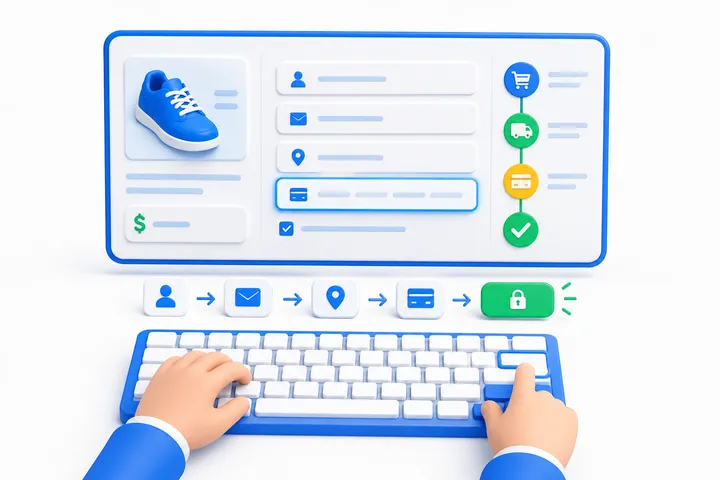
What's Required, and What Agencies Get Wrong About It
Two jurisdictions, and they work very differently. It's worth being precise, because a lot of what's sold in this space isn't.
European Union - an actual rule with an actual date. The European Accessibility Act has applied since 28 June 2025, and ecommerce services sold to consumers in the EU are in scope. The technical reference is EN 301 549, which incorporates WCAG 2.1 Level AA. Services that already existed have a transition period running to 28 June 2030. There's a microenterprise exemption - under 10 staff and under €2 million turnover - but it covers services only, not products placed on the EU market. Article 14 allows a disproportionate-burden claim, which has to be documented and justified rather than simply asserted.
United States - no binding technical standard for private business. This is the part most agencies get wrong, so plainly: there is no federal regulation requiring a private retailer to meet WCAG. The DOJ's Title III web rulemaking has sat unfinished for years, and in September 2025 the Department announced it would re-examine its ADA regulations on no fixed timeline.
⚠️ You will see agencies cite a 2024 DOJ rule requiring WCAG 2.1 AA. That rule is real - and it was made under Title II, which covers state and local government. It does not make a private store legally required to meet WCAG. Anyone telling you otherwise is either misreading it or counting on you not to check.
What does exist in the US is litigation, and it's the practical risk. Seyfarth Shaw, a defence firm that tracks these filings, counted 3,117 federal website accessibility cases in 2025 - up 27% on 2,452 the year before, and 36% of all federal ADA Title III filings. Including state courts the total passes 5,000. Courts and settlements have converged on WCAG 2.1 AA as the working benchmark even without a rule that names it.
So the honest summary: in the EU it's a norm with a deadline, in the US it's case law with a de-facto standard. Both point at the same technical target.
Why We Don't Install an Accessibility Widget
An overlay is a script that changes the page in the visitor's browser without touching what caused the problem. In January 2025 the FTC announced an order requiring accessiBe, which sells one of these widgets, to pay $1 million over claims that its AI tool could make any website WCAG-compliant. The complaint alleged that, in a number of instances, the widget failed to make menus, headings, tables and images compliant, and that the company presented paid reviews as independent opinion. The order was made final in April 2025; accessiBe settled without admitting or denying the allegations.
Widgets also don't keep stores out of the lawsuits they're sold to prevent: UsableNet, which tracks these cases and, like us, sells accessibility services, counted 1,416 lawsuits in 2025 against companies that were using one.
We fix the markup and the behaviour of the store itself. It's slower, it costs more, and it's the only thing that actually changes what a customer experiences. Widget or a real fix: the full comparison, with sources.
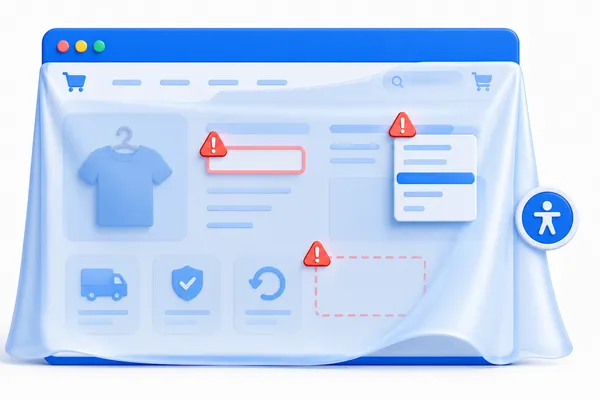
Automated Where It Helps, Manual Where It Counts
Automated scanning with axe-core, Lighthouse and pa11y across the purchase path. It's fast and it's necessary, but be careful how it's sold to you. When the UK Government Digital Service ran 10 common tools against a page with 143 deliberate barriers, the best one flagged 37% of them, and 29% were missed by every tool (GDS, 2017). Deque - who build axe, so read them with that in mind - measure the share of real-world issues found instead, and put that at around 57%. Either way, a clean automated scan is not a compliant store, and any vendor implying otherwise is describing their tool, not your store.
Manual testing is where the findings that matter come from:
- The entire purchase path with keyboard only, through to payment - tab order, visible focus, no traps
- The same path with a screen reader (NVDA with Firefox, VoiceOver with Safari)
- 200% zoom and reflow at 320px width
- Contrast on text and on interactive elements
- A recorded video of the walkthrough - typically the most persuasive artefact in the whole report, because you watch someone fail to buy from you
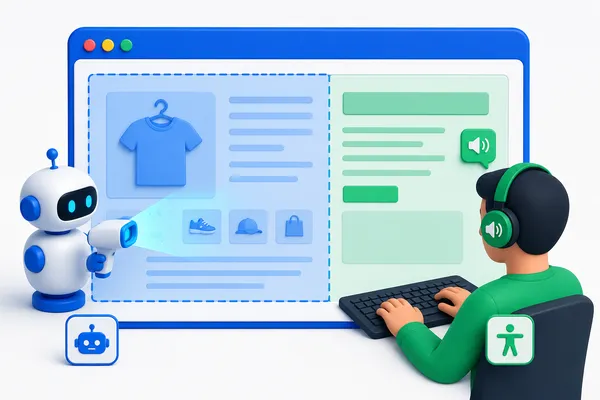
Where Magento Stores Usually Break
Ranked by how much they cost you, in both revenue and risk:
- Checkout - in Luma it's Knockout-driven: validation errors that aren't programmatically tied to their fields, steps that aren't announced, focus that doesn't move
- Forms generally - `placeholder` used instead of a real `<label>`, errors signalled only by a red border
- Layered navigation - after an AJAX refresh, focus is lost and the change isn't announced
- Mini-cart - no dialog semantics, focus not trapped, Escape does nothing
- Add to cart - the outcome isn't announced at all
- Product gallery (Fotorama in Luma) - a long-standing keyboard trap
- Search autocomplete - not implemented as a combobox
- Modals, popups and the cookie banner - the cookie banner is often the first keyboard trap on the site
- Product images - empty or junk `alt`
Hyvä starts from cleaner markup and is generally in better shape than Luma - but it is not accessible out of the box, and we test it the same way.
What You Get
- Audit report - every finding mapped to its WCAG 2.1 AA success criterion, with severity, URL, reproduction steps and a fix
- Remediation prioritised by what blocks a purchase first - that's both the biggest legal exposure and the biggest lost revenue
- Accessibility Statement - a public page; the EAA expects accessibility information about the service to be published
- VPAT / EN 301 549 declaration on request, for B2B customers whose own buyers ask for one
- A CI check so it doesn't come back on the next release
We target WCAG 2.1 Level AA - the level EN 301 549 currently incorporates and the one US settlements use. A revision of EN 301 549 moving to WCAG 2.2 AA is expected during 2026, so we build to 2.2 where it costs nothing extra.
What We Don't Promise
- We are not lawyers and this is not legal advice. Whether the EAA applies to your business is a question for your counsel. We're responsible for the technical state of the store.
- No technical work makes you immune from a lawsuit. Anyone selling you immunity is selling you something they can't deliver. What we deliver is the removal of specific, documented WCAG 2.1 AA failures.
- Not "compliant forever." Accessibility regresses with every release. That's why the CI check and the retainer exist, and why a one-off audit has a shelf life.
How Pricing Works
We publish where prices start. The fix itself we quote after the audit, because it depends on your store, not on a price list.
- Free accessibility scan$0
- Automated scan of five key pages, the top findings in plain language, within 24 hours. Request it.
- Full auditfrom $1,300
- Automated and manual testing through the whole purchase path, every finding mapped to a WCAG 2.1 AA criterion. A fixed quote before we start.
- Remediationquoted after the audit
- Depends on the number of templates and the state of the code, not on the number of pages. The estimate comes with the audit report.
How does that compare? What an accessibility audit costs, with published market prices.
FAQ
Are we legally required to do this?
It depends where your customers are, and we'd rather give you the accurate answer than the frightening one. If you sell to consumers in the EU, the European Accessibility Act has applied since June 2025 and you should be talking to your lawyer about scope. In the US there is no regulation binding private retailers to WCAG - the exposure there is private litigation, which is substantial and growing, and which has settled on WCAG 2.1 AA as the benchmark.
Isn't an accessibility widget cheaper?
It's cheaper and it doesn't fix the store - see above. The FTC ordered one widget vendor to pay $1 million over exactly this claim, and sites running widgets are still being sued.
Will this force a redesign?
Almost never. Most findings are markup and behaviour - labels, focus management, announcements, contrast values. Where a genuine visual change is needed it's usually contrast, and we'll show you the smallest change that passes.
How do you prove the result?
The same scan and the same manual walkthrough, run before and after, with the counts by severity. "143 issues, 18 critical" becoming "6 issues, 0 critical" is a number you can verify yourself with a free tool.
Do you do this for platforms other than Magento?
The audit method is platform-agnostic. Magento is where our remediation is fastest, because we know where it breaks before we look.
We already passed an automated scan - are we done?
No, and that's the most common misunderstanding in this space. Automated tools evaluate a minority of the WCAG criteria. A store can pass axe cleanly and still be impossible to check out of with a keyboard.