
Magento Version Upgrades
Every Magento version eventually stops getting security patches. Stay behind long enough and you're not just missing features - you're running something nobody's fixing anymore. We handle the upgrade path, whatever state you're starting from.
Check your store for free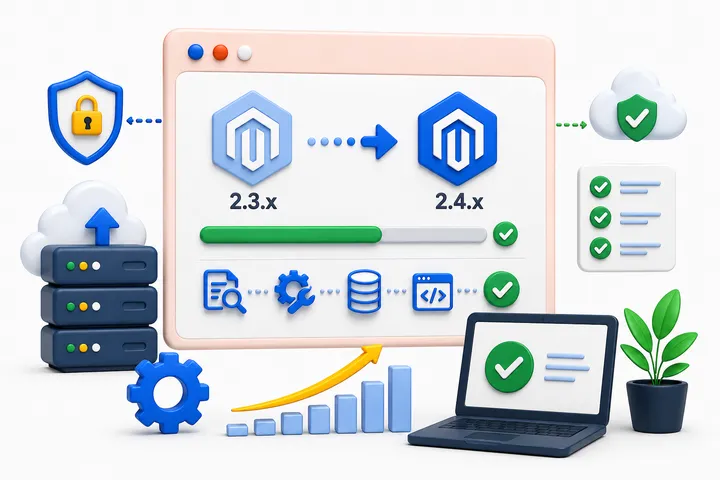
What's included
- Version audit - where you are, what's safe, what's overdue
- Upgrade path planning
- Testing before anything touches production
- Rollback safety at every step
How long it takes
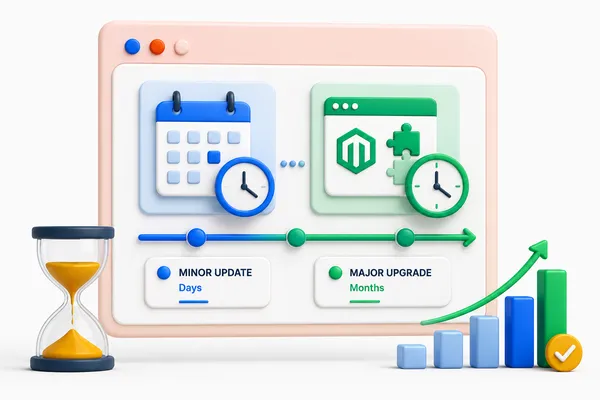
It depends entirely on where you're starting from and how customized your store is. Minor version updates typically take a few days. Major version upgrades - especially with complex custom architecture and multiple extensions - can take several months.
FAQ
How often should I update?
Whenever a new version addresses security issues relevant to you - which, in practice, is more often than most stores actually do it.
How risky is an upgrade?
Real risk if done carelessly. We test before anything touches production and keep a rollback path at every step.
What happens to my custom extensions during an upgrade?
They get audited for compatibility as part of the upgrade plan - some need no changes, others need updates, and occasionally one needs to be replaced.
How long does an upgrade take?
A few days for minor version updates. Several months for major upgrades on complex, heavily customized stores. See "How long it takes" above.
What's the difference between a minor and major upgrade for me?
Minor updates are usually low-risk and fast. Major upgrades can touch how your custom code and extensions work with Magento itself - that's where the real planning happens.